What the record holds
Assettia is the data and AI programme record: one place where an organisation keeps what its programme owns, what it has decided, and what it has proved.
Six kinds of record, kept as the work is done and linked to one another. A use case points at the data assets it depends on, the decisions taken about it, the risks it carries and the evidence of what it delivered. A board report is produced from all of them. Nothing is copied from one place to another; each fact is recorded once and read from wherever it is needed.
How the six link
Every record names the records it depends on. A data asset lists the use cases that read it. A decision names the use case it was taken about and the person who took it. A piece of value evidence names the use case it supports. A risk names its controls and the person who attested to them. When a director opens a figure in the board report, the link is followed back to the records that produced it. This is what makes the record checkable rather than merely tidy.
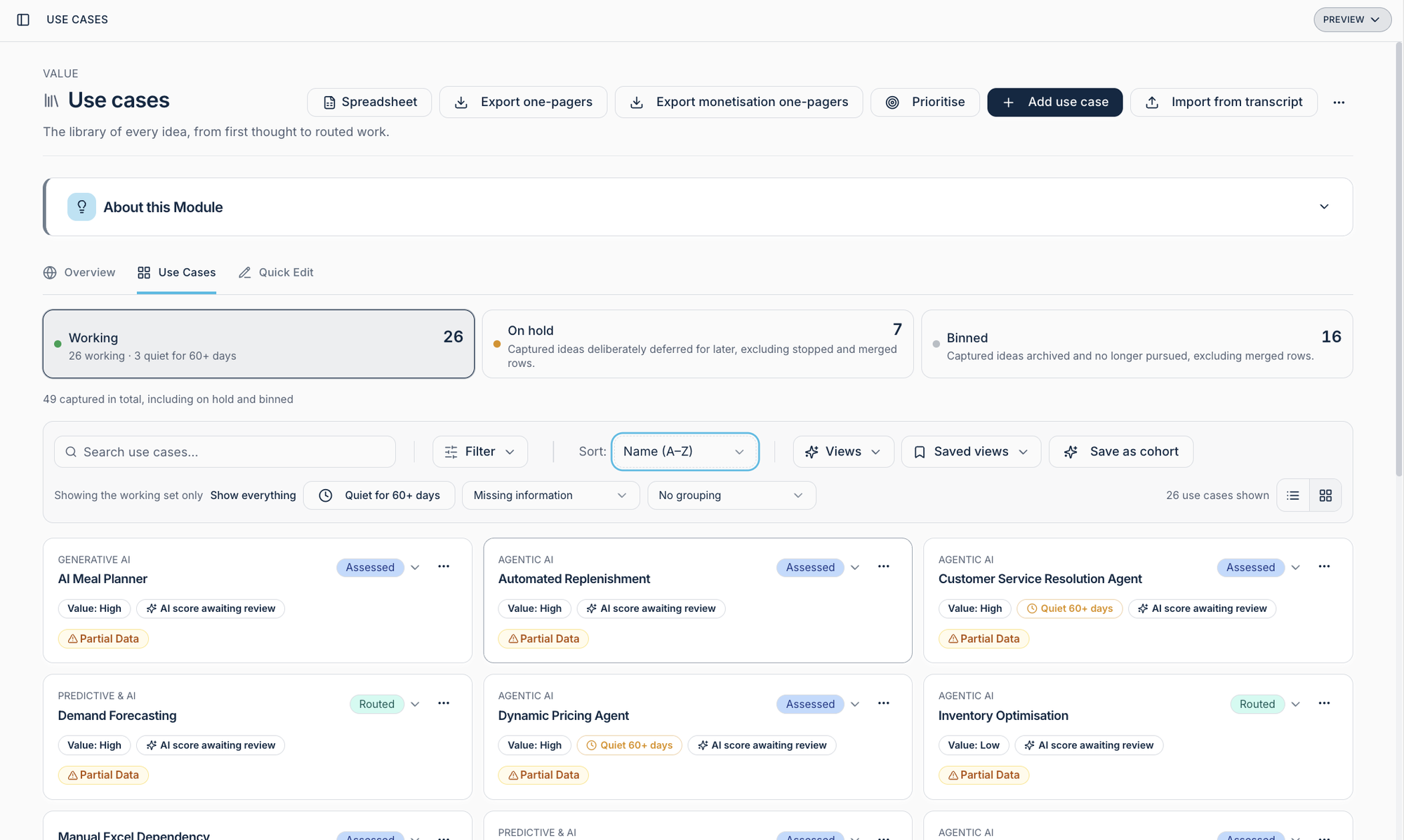
Use cases
- What it holds
- Every opportunity to use data or AI, from first mention to value delivered: what it would do, for whom, which data it needs, how it scores against the programme's criteria, and where it sits in the pipeline.
- How it is kept
- Captured as they arise, by the programme team or from interviews and workshops. Scored against one set of criteria so that comparisons are fair. Prioritised by a named decision, with the reason.
- What Proved means here
- Value evidence is linked to the use case: a measurement, a benchmark, a tracked metric.
- What the board sees
- How many use cases are on the record, how many have been prioritised, how many have evidence, and which ones. Each figure opens to its list.
Data assets
- What it holds
- The data the organisation has: what each asset is, who owns it, where it lives, its quality, the rights attached to it, and which use cases depend on it.
- How it is kept
- A register, added to as assets are found or created, with quality and readiness assessed against stated criteria rather than assumed.
- What Proved means here
- Quality and rights confirmed, with the assessment on record.
- What the board sees
- Whether the programme knows what data it holds and who owns it, and which prioritised use cases depend on assets that are not yet fit.

Decisions
- What it holds
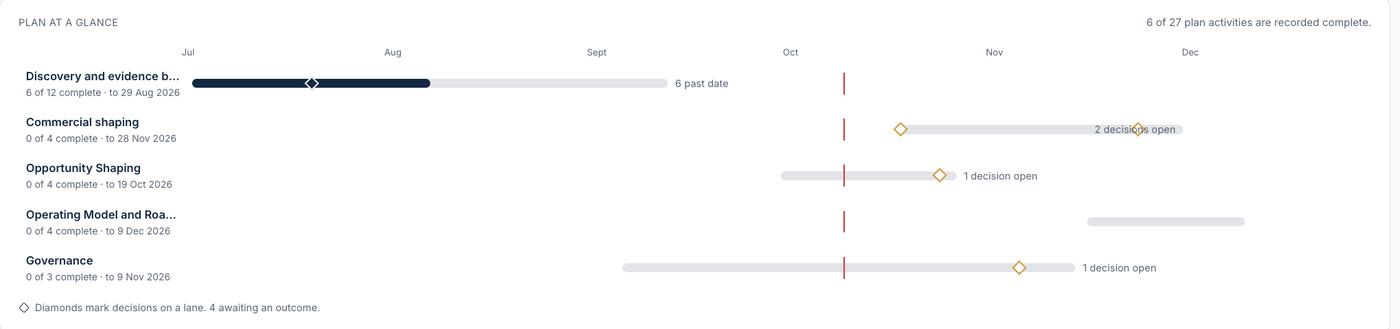
- The gating decisions of the programme: what was decided, about which use case or asset, by whom, on what date, and why. Deferrals as well as approvals.
- How it is kept
- Decisions are recorded where they are taken, on the programme's plan, so the log and the plan are one thing. There is no separate decision register to fall out of date.
- What Proved means here
- A decision is Decided when a named person has recorded it with a reason. It is Proved when the outcome it expected has evidence linked to it.
- What the board sees
- The decisions taken since the last report, the reason for each, and the ones still open.
Risks
- What it holds
- The risks the programme's use of data and AI carries: each risk, the controls in place, the regulatory reference points it relates to, and the named attestation that the controls are working.
- How it is kept
- A register, owned by named people, reviewed on a stated rhythm, with sign-off recorded and dated.
- What Proved means here
- An attestation on record from the accountable person, dated.
- What the board sees
- The risk register as the audit and risk committee needs it: each risk with its controls and its attestation, and the controls not yet attested shown as such.
Value evidence
- What it holds
- Benchmarks the programme has drawn on, metrics it has chosen to track, and the measurements taken, each linked to the use cases it supports.
- How it is kept
- Evidence is added as it is gathered, with its source and date. Metrics are named and defined before they are tracked, so a later figure means the same as an earlier one.
- What Proved means here
- A measurement on record, with its source and date, linked to a use case.
- What the board sees
- Which use cases have delivered evidence of value and which have not, without a composed narrative in between.

Board reports
- What it holds
- Documents produced from the record for the board and its committees: the programme's state, the decisions taken, the risks and attestations, the value evidence, and the gaps, with every figure naming the population it counted.
- How it is kept
- Generated from the record, reviewed and approved by a named person, filed with a version number. A later report states what changed since the earlier one.
- What Proved means here
- Approved and filed, with every figure traceable to its records.
- What the board sees
- The report itself, on paper or on screen, with each figure openable to its list.

What the record does not hold
The record holds the programme, not the technical estate. It does not catalogue data at field level, host or monitor models, or track delivery tasks. Where the organisation has tools for those things, the record links to what they hold and records the decisions and the evidence about them.
Questions people ask
Can records be deleted?
No. Records are archived, never deleted, so the history a board relies on cannot be quietly changed.
Does the record replace a data catalogue or a model registry?
No. Those hold the technical estate. The record holds the programme and links to them where they exist.
How does a use case get its score?
Against one set of criteria the programme defines, applied the same way to every use case, so comparisons between them are fair and the reason for a priority can be read.
Who can see what?
The programme team keeps the record. Executives read the state of the programme. The board reads the report. Each sees what its role needs and nothing is composed for one audience that contradicts another.
Where do the figures in a board report come from?
From fixed rules evaluated over the records. Each figure names the population it counted and can be opened to show the list. There is no field for typing a figure in.
See the six records for your programme.
A walkthrough takes forty minutes and uses a synthetic organisation, so nothing of yours is entered until you decide it should be.